
Poket Memory: Scroll Through Your Photo Timeline — Save Every Moment
Discover Poket Memory - the scrollable photo timeline that lets you relive every beautiful moment. Guide to using Memory Timeline on Poket.
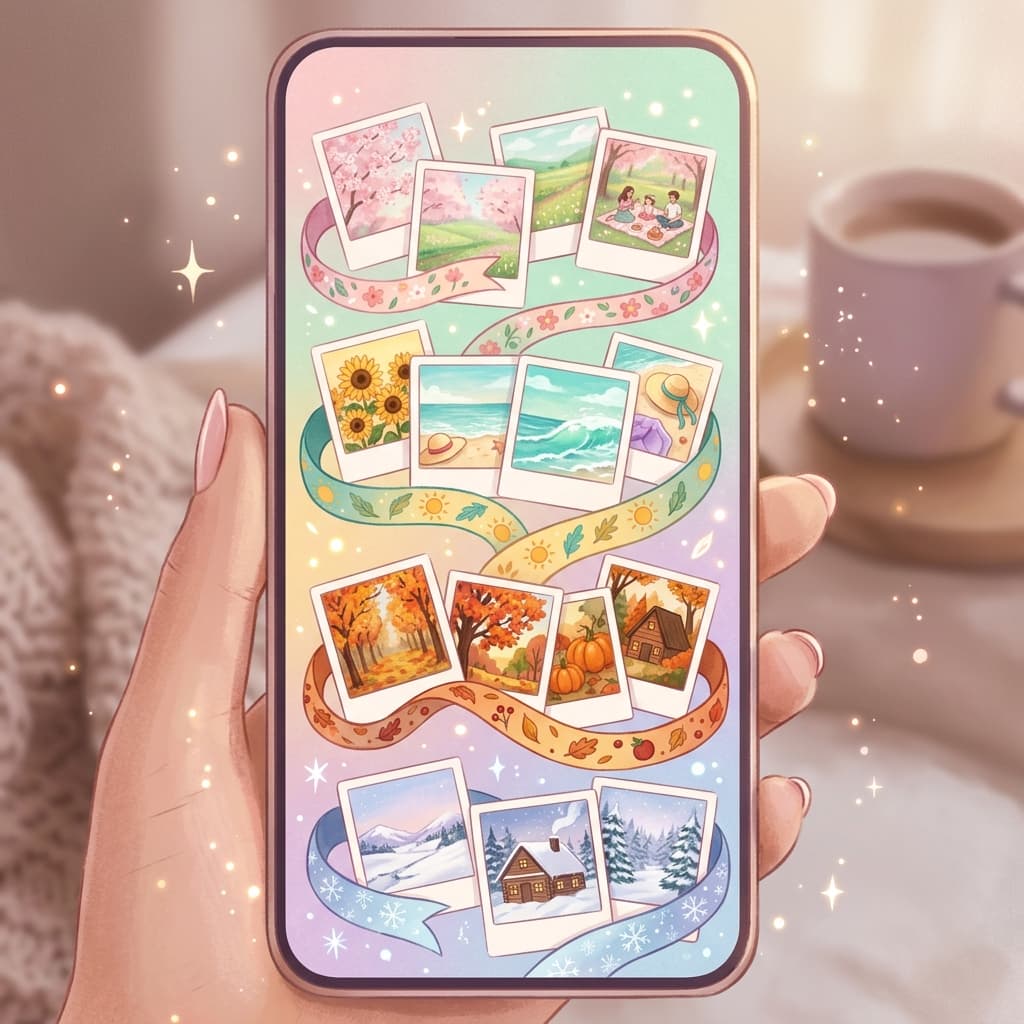
Poket Memory is an exclusive feature on Poket PhotoBooth that lets you save and relive every beautiful moment through a scrollable timeline. Every day, you can scroll through your past PhotoBooth and Polaroid photos — like a living photo diary!
What is Poket Memory?
Poket Memory is a scrollable photo timeline feature on Poket where all your PhotoBooth, Polaroid, and Studio photos are stored chronologically.
What Makes Poket Memory Special?
- Auto-organized — Photos sorted by day, month, year automatically
- Smooth scrolling — Swipe through hundreds of memories effortlessly
- Memory reminders — "On this day" notifications with past photos
- Private collection — Only you can view your memories, fully secure
- Easy sharing — Pick old photos and send via Locket Camera
How to Use Poket Memory
Step 1: Open the Memory tab
In Poket, tap the Memory icon on the bottom navigation bar. Your timeline appears as a vertical scroll.
Step 2: Scroll through your timeline
Swipe up to see older photos, swipe down for newer ones. Each day is clearly marked with dates.
Step 3: View memory details
Tap any photo to view full-screen. See info like: date taken, who took it, which filter was used.
Step 4: Share old memories
Select photos from your timeline and resend to friends via Locket Camera, or share to Instagram Stories with a "Throwback" caption.
5 Ways to Make the Most of Poket Memory
1. On This Day
Every morning, open Poket Memory to see what you captured on this day last year. Share with friends to relive the moment together!
2. Create memory slideshows
Select multiple photos from the same event and create an automatic slideshow. Poket combines your photos with background music into a memory video.
3. Print from memories
Choose the best photos from your timeline and export in high quality for wall prints or photo albums.
4. Send Locket surprises
Find old photos of you and someone special, send them as a surprise via Locket Camera — it'll appear on their phone widget!
5. Monthly recaps
At the end of each month, scroll through Memory to review all saved moments. Create a monthly summary collage!
Poket Memory vs. Regular Photo Library
| Feature | Poket Memory | Photo Library |
|---|---|---|
| Timeline sorting | ✅ Automatic | ❌ Manual |
| Memory reminders | ✅ Yes | ❌ No |
| Smooth scrolling | ✅ Optimized | ⚠️ Standard |
| Send via Locket | ✅ Integrated | ❌ No |
| Privacy secure | ✅ Yes | ⚠️ Varies |
| Filters & frames | ✅ Preserved | ❌ Lost on export |
Download Poket to Preserve Memories
Poket Memory ensures you never forget your beautiful moments. Download Poket for free and start building your personal memory timeline today!
📲 Download Poket for free!
 App Store
 Google Play